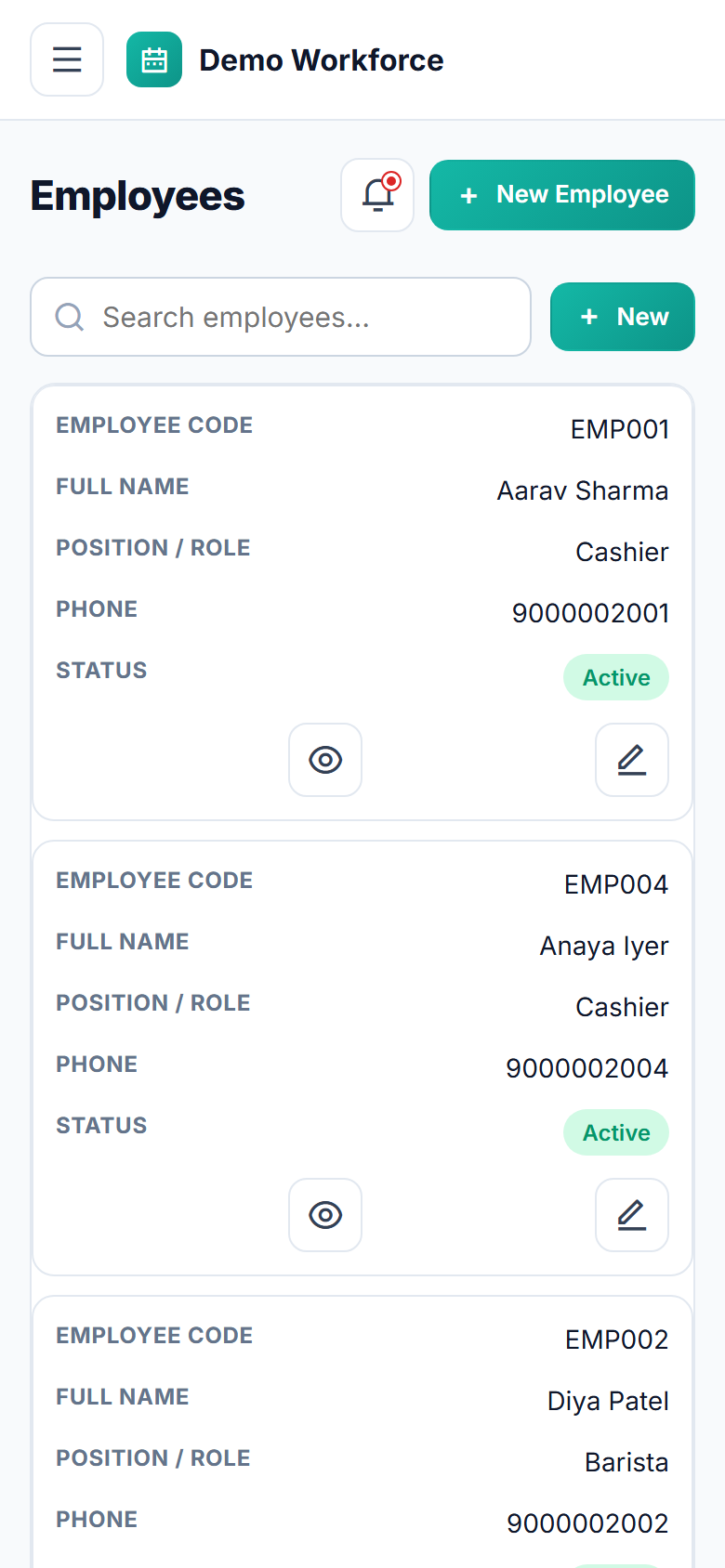
Store Staff Shift Scheduling Software
See it in action
No signup · the public website and every role
Why buyers pick it
No employee is ever double-bookedevery assignment is checked in real time, including overnight shifts and near-identical time windows.
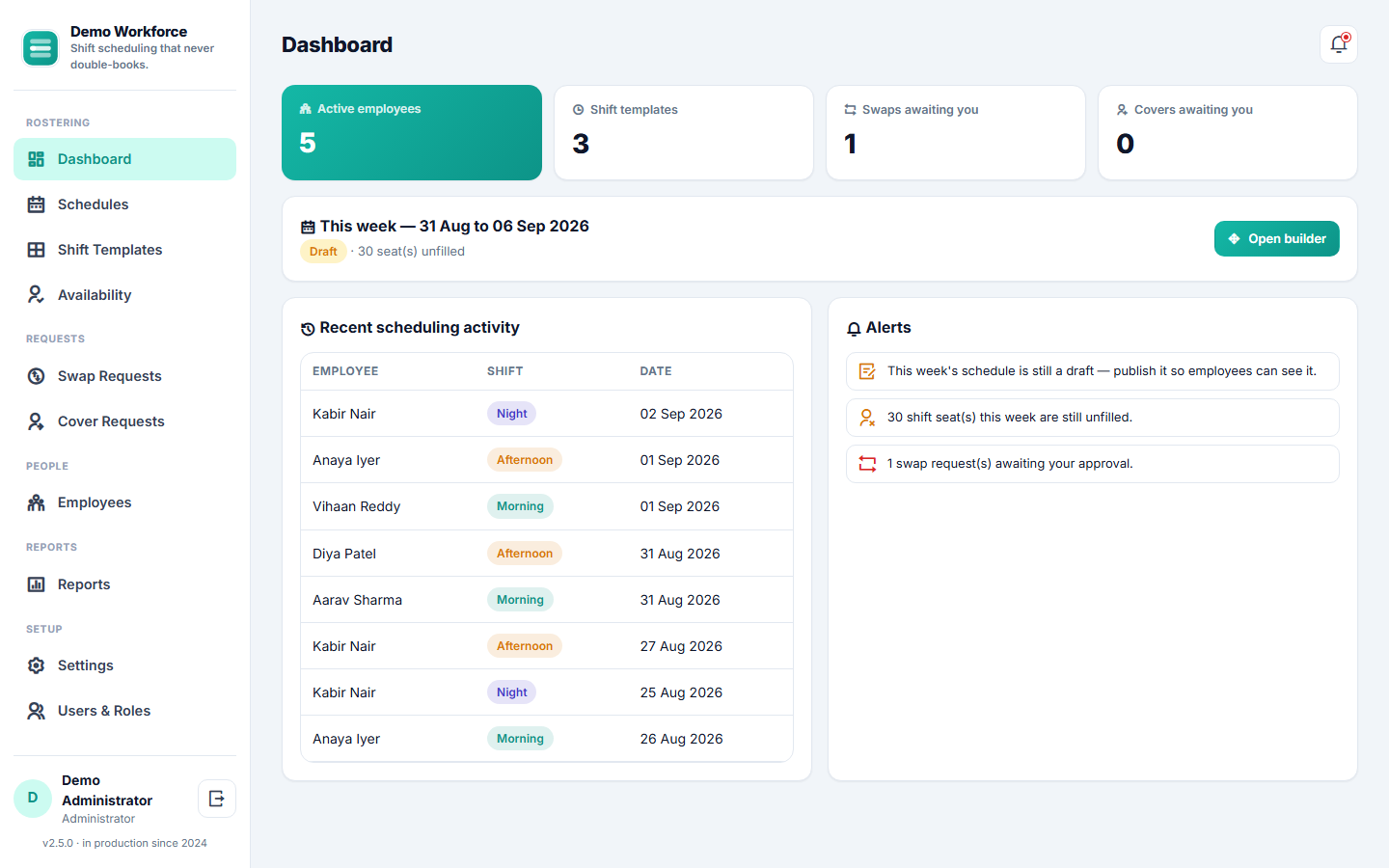
A days-x-staff schedule builderassign a shift with a click, see unfilled seats at a glance, publish when it's ready.
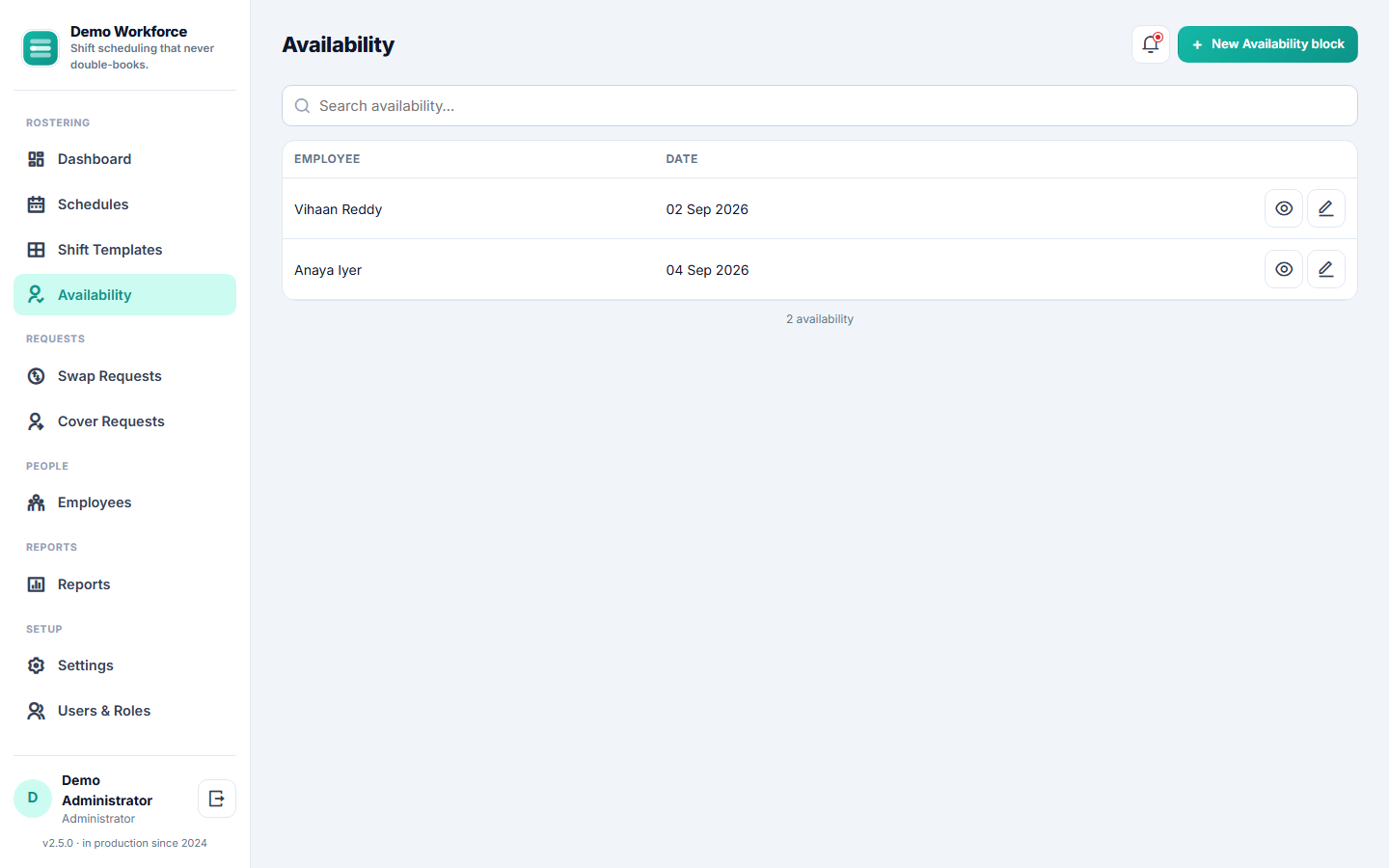
Employee availability is visible before you schedule, with a clear, overridable warning if you assign around it anyway.
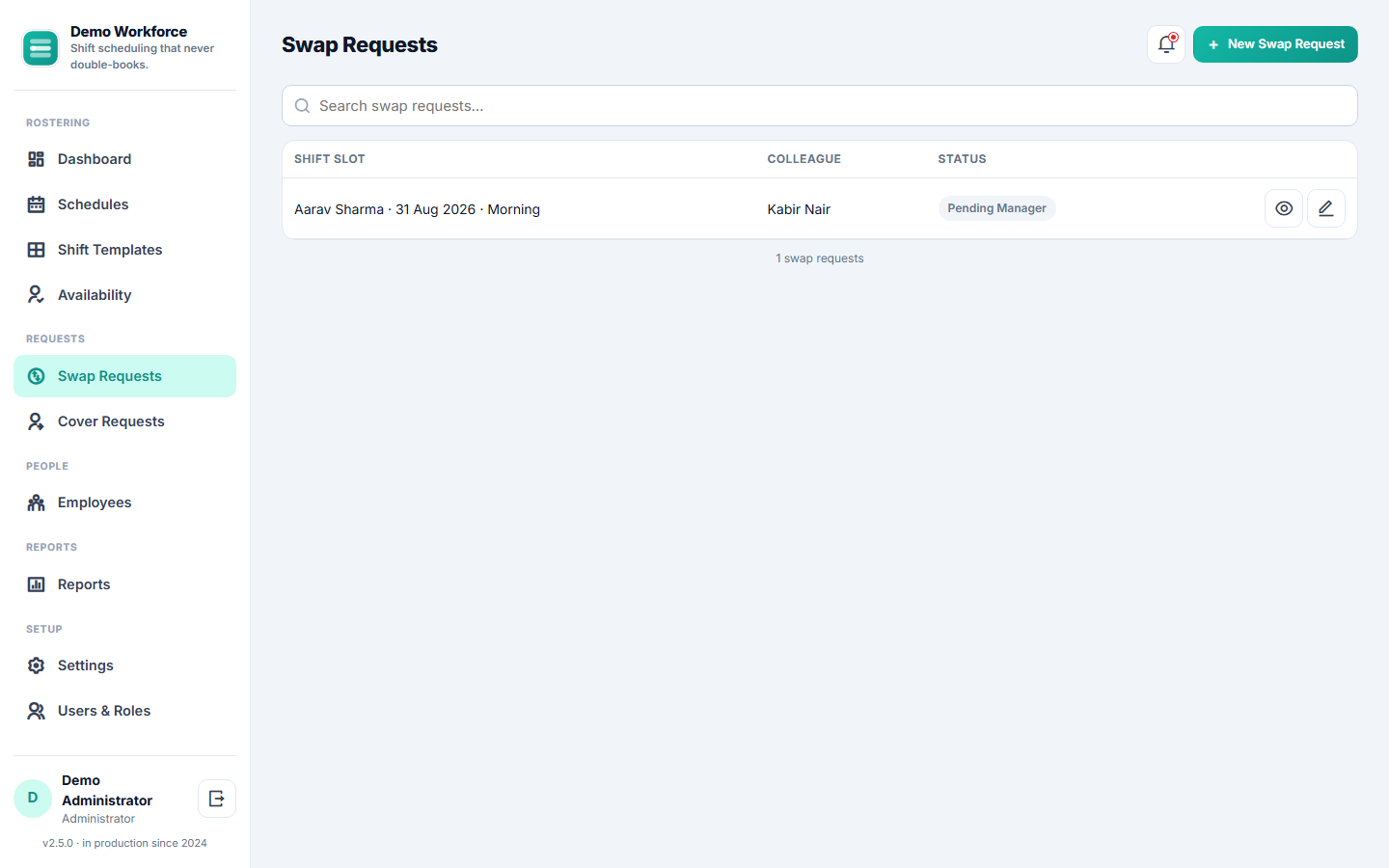
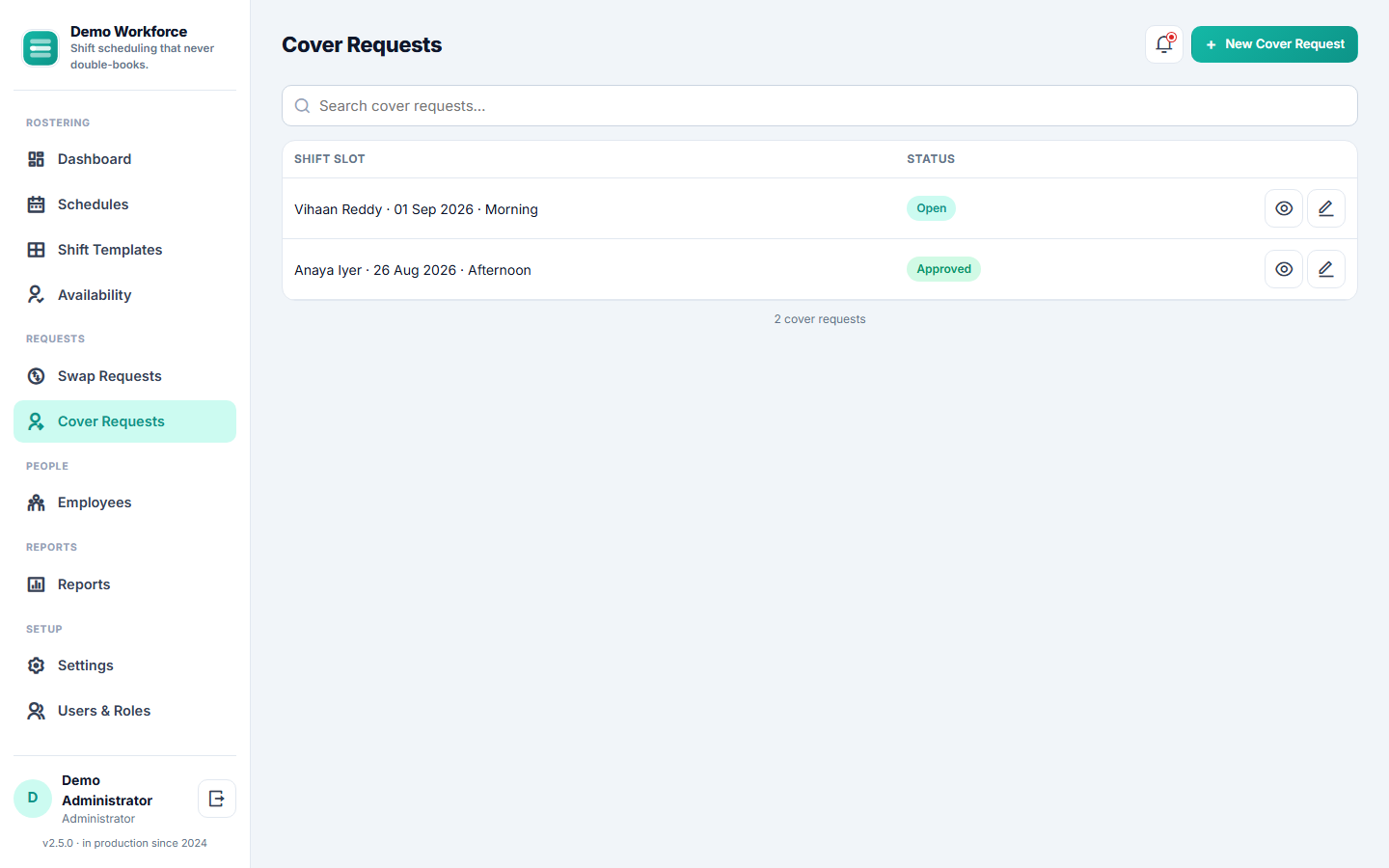
Shift swaps and cover requestsemployee-initiated, colleague-accepted, manager-approved — nothing changes hands without sign-off.
Overtime tracked automatically against configurable daily-hours and weekly-working-days thresholds — no manual timesheet math.
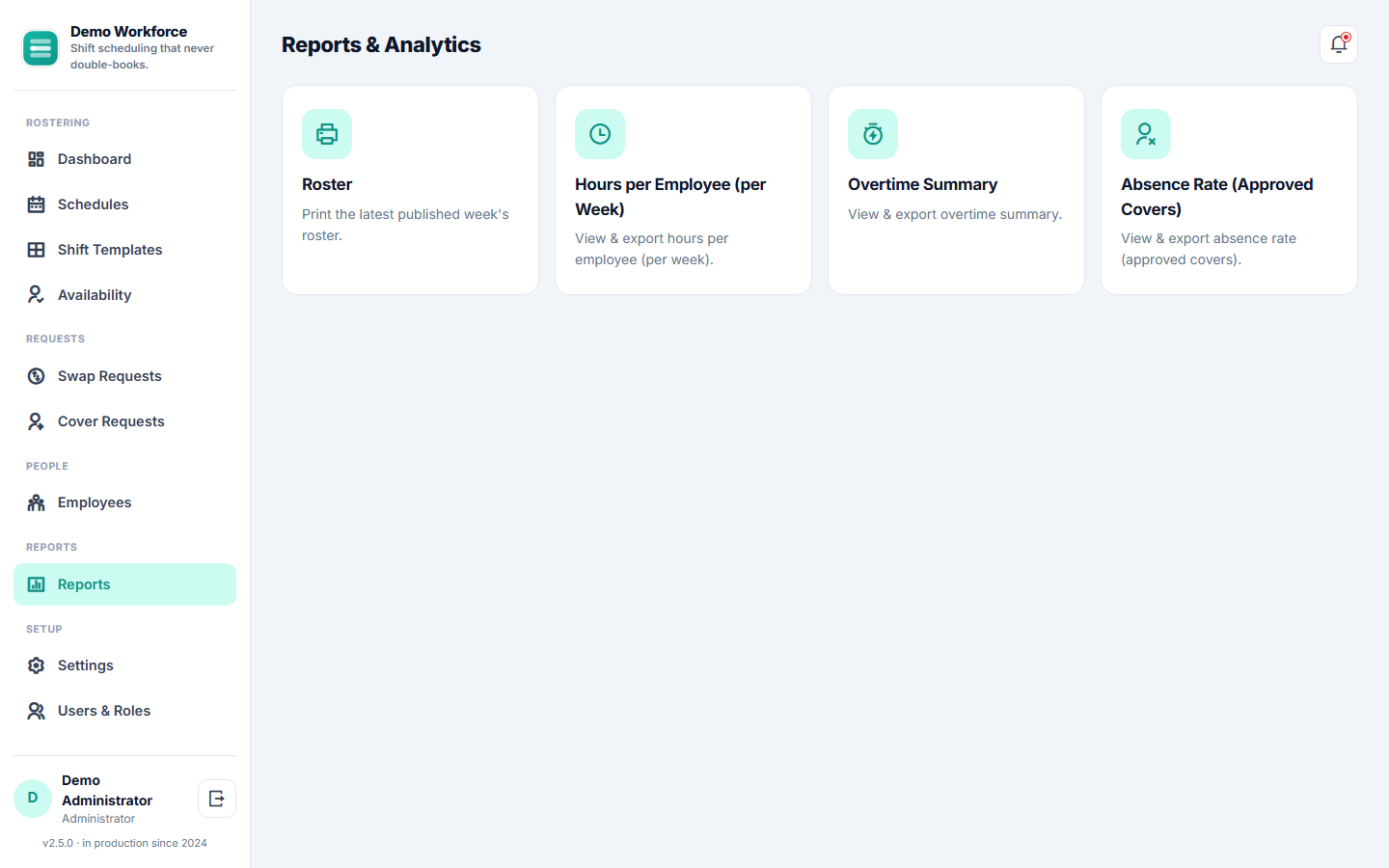
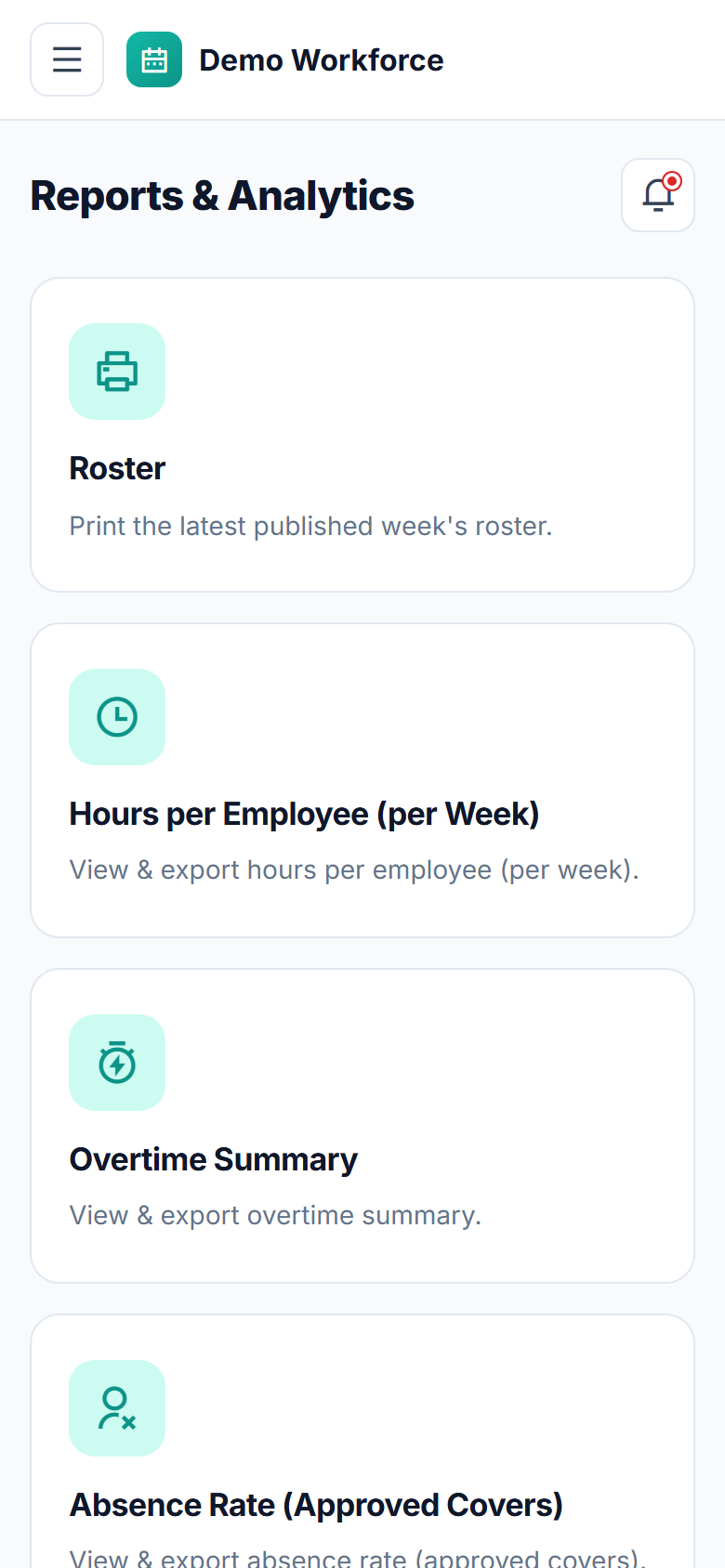
Four built-in reportsa printable roster, hours per employee, an overtime summary and an absence rate — each exportable to CSV.
An employee self-service portalpublished schedule, availability, swap/cover requests, own overtime, right from their phone.
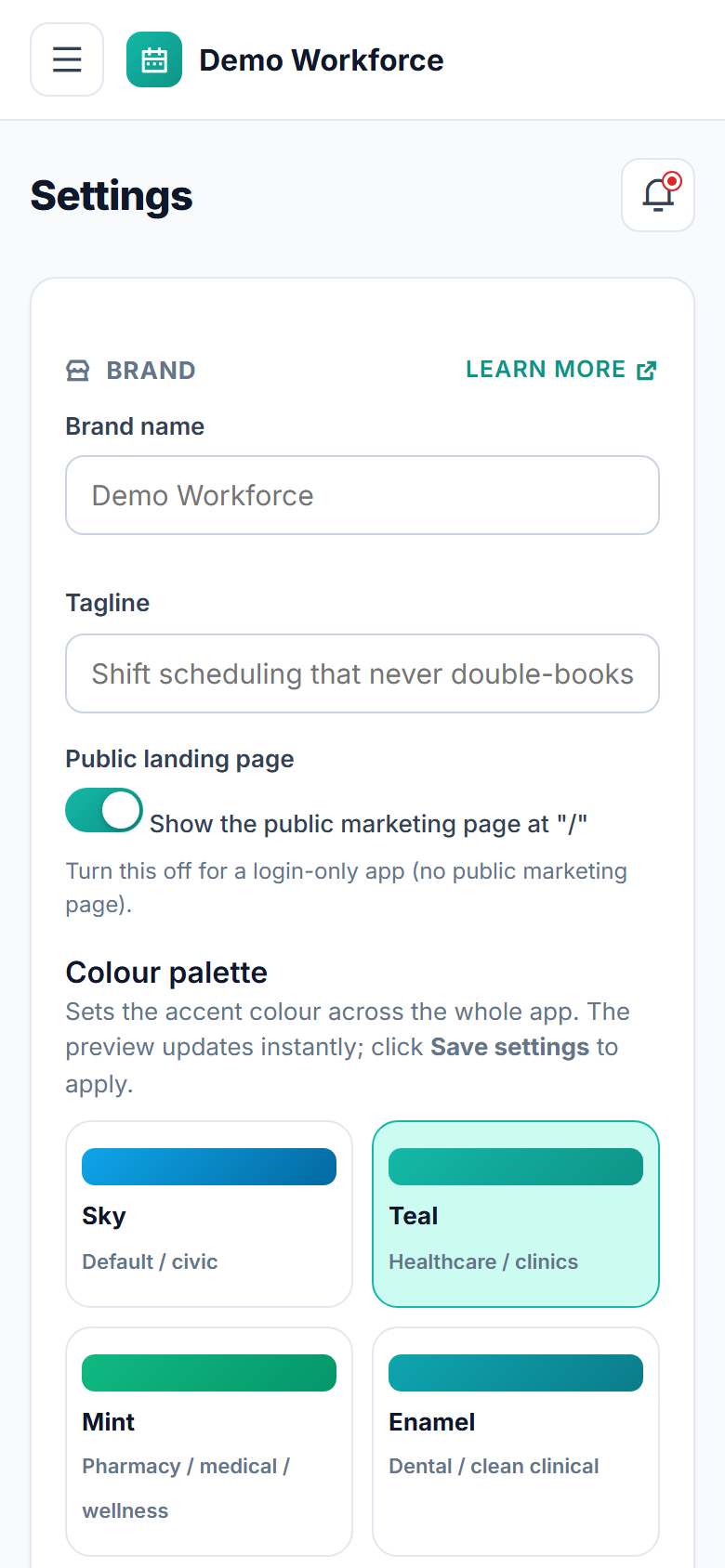
Fully hosted and carrying your own name, logo and coloursnothing to install, nothing to maintain.

Everything included 12

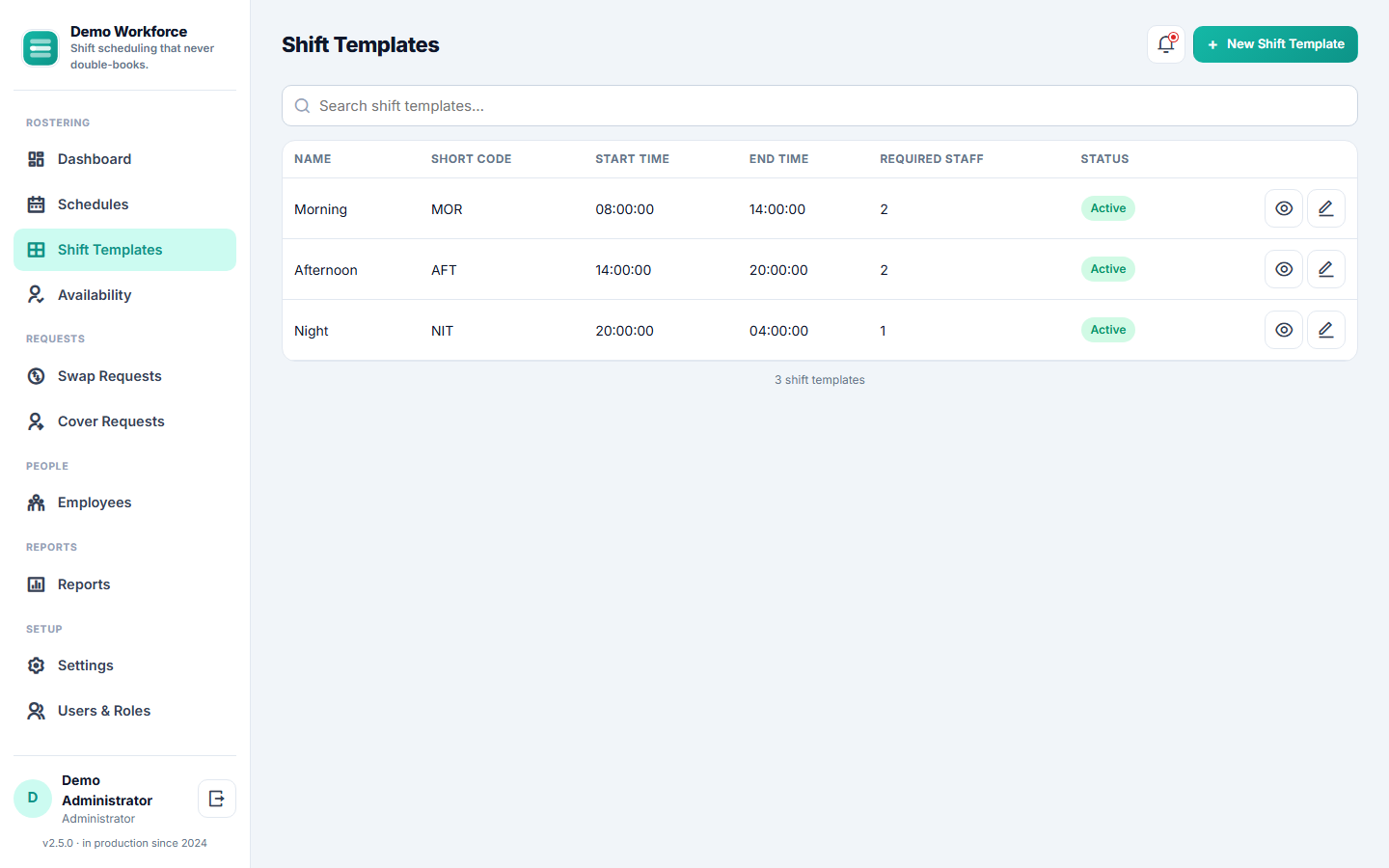
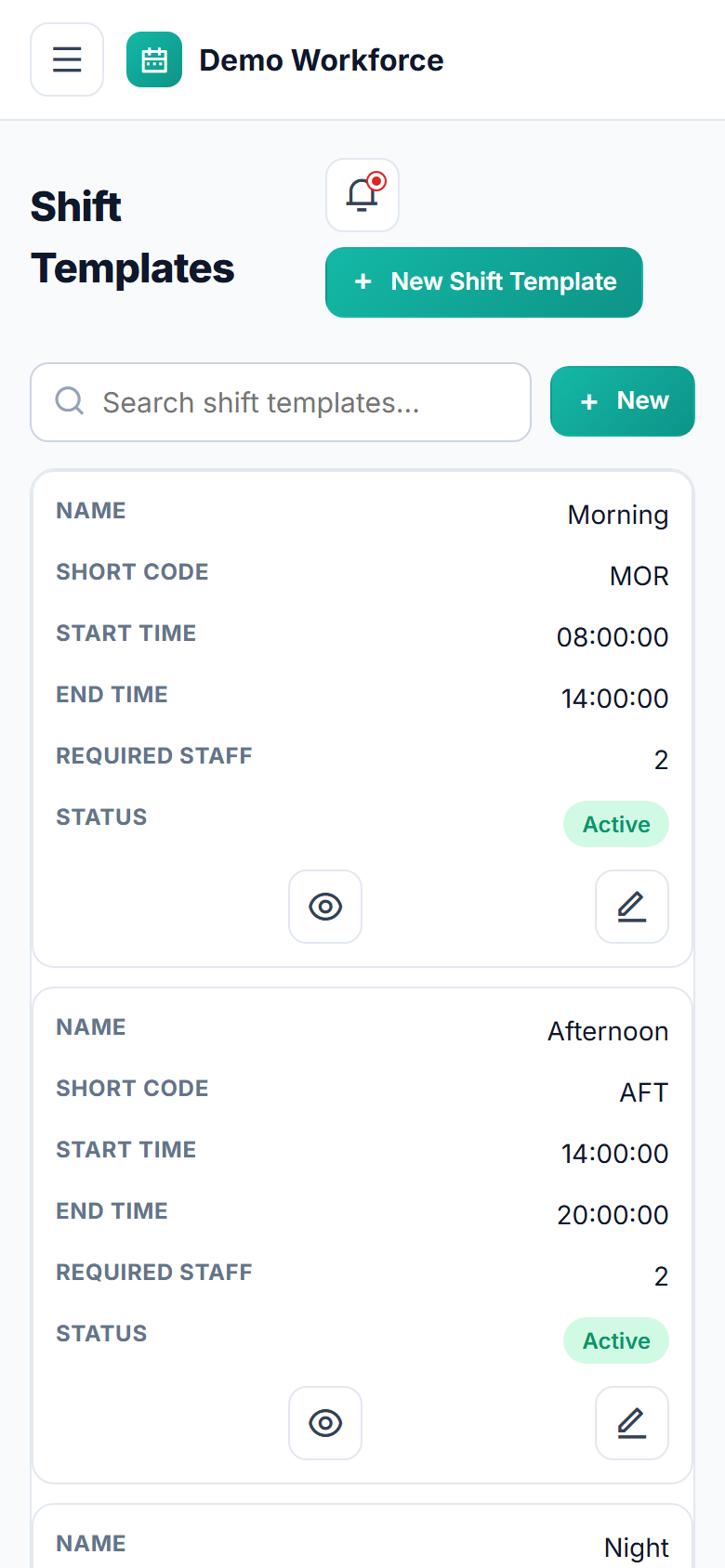
Shift templatesnamed shift windows with a time range, required headcount and colour, overnight shifts supported
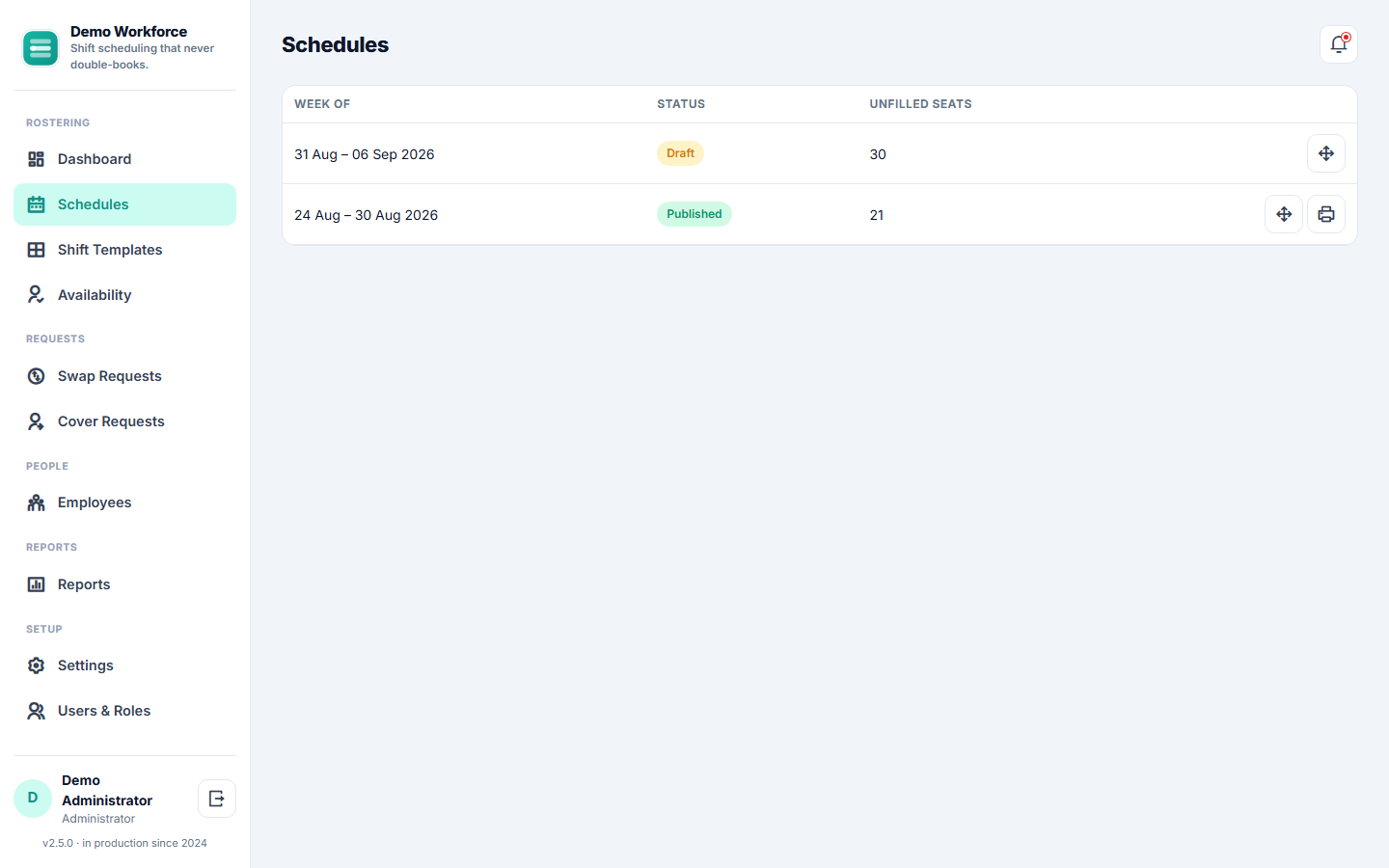
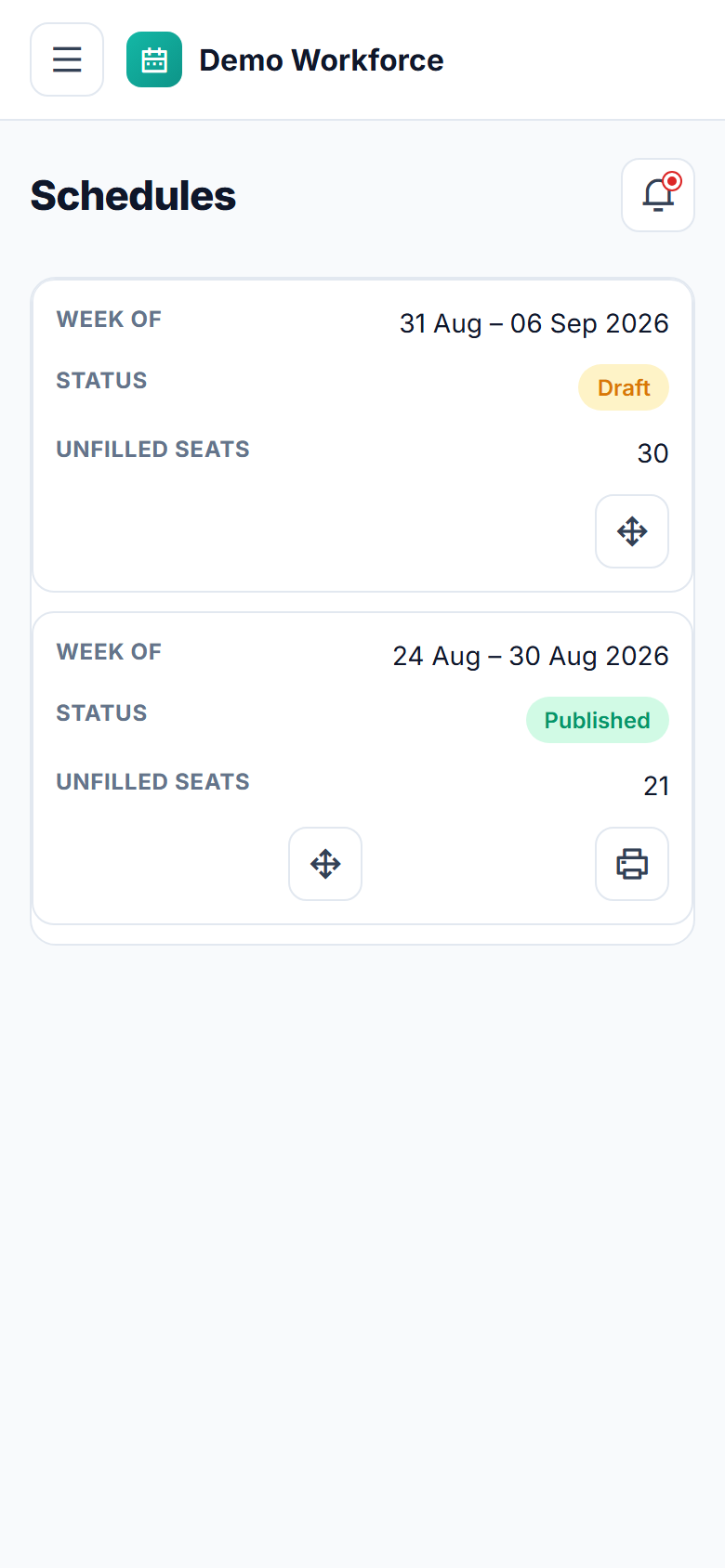
Weekly schedule buildera days x staff grid, assign/unassign with a click, unfilled-seat coverage at a glance
Server-enforced no-double-booking guardexact-duplicate and time-overlap checks inside a locked transaction, on every assignment
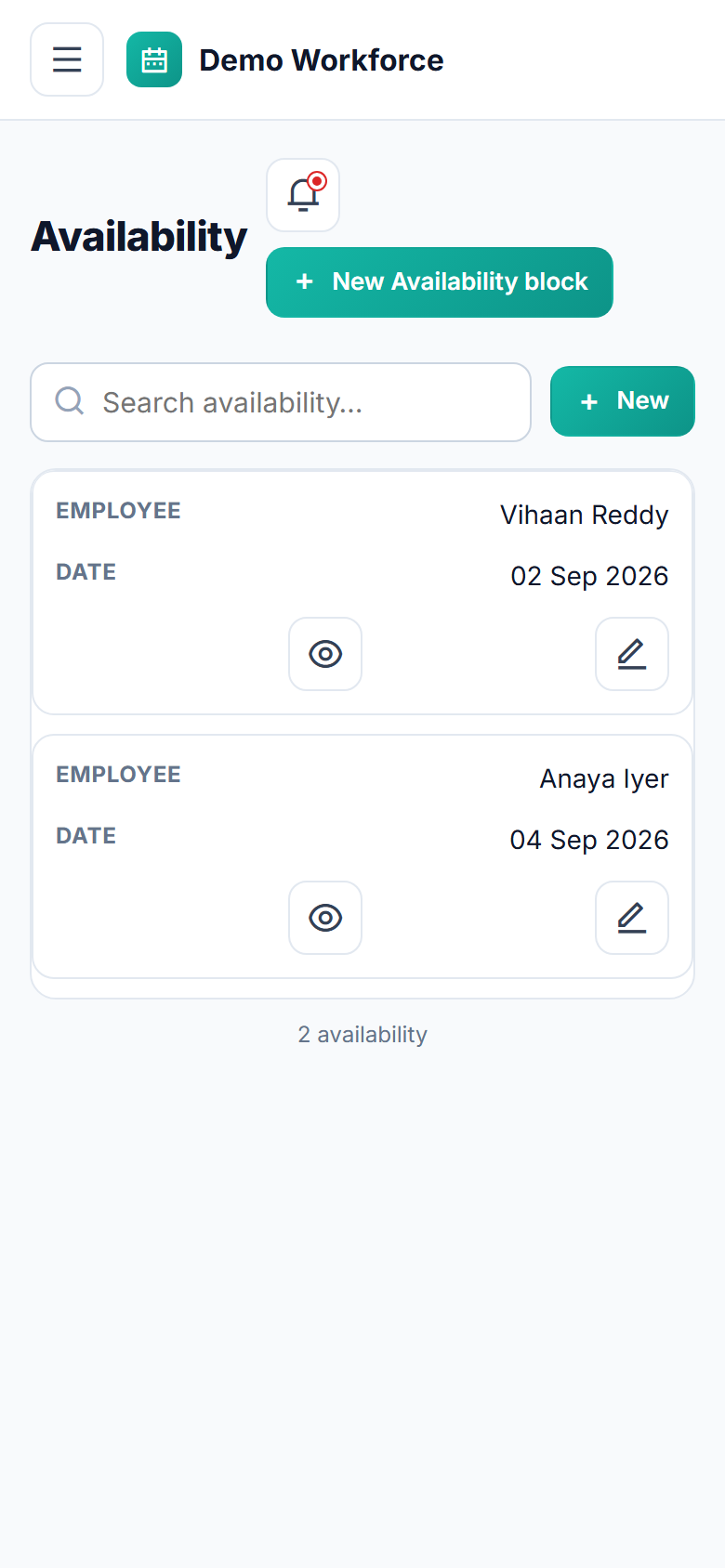
Employee availabilitywhole-day or time-windowed unavailability, visible to managers before and during scheduling
Draft / publish workflow: build privately, publish oncethe whole week appears in every affected employee's portal with an in-app notification
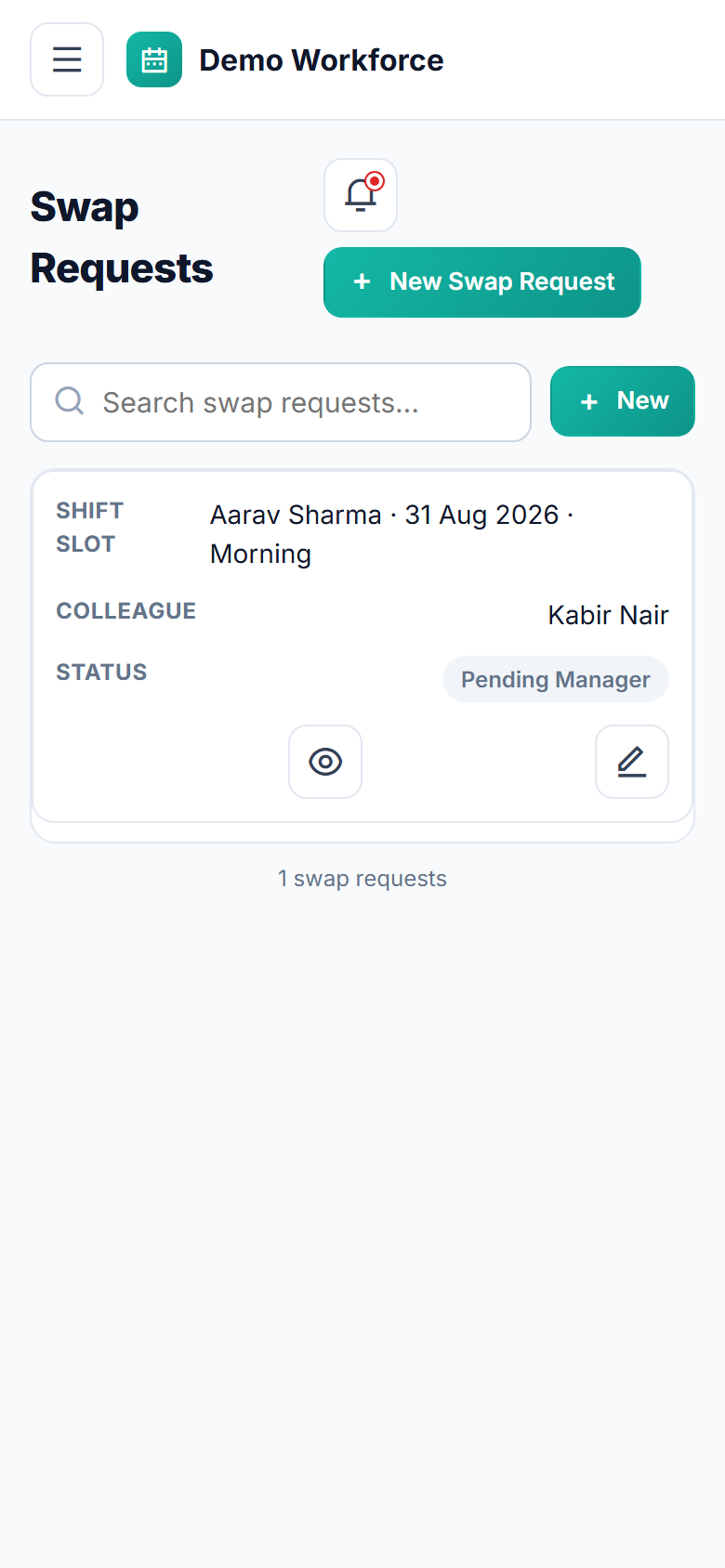
Shift swapsemployee-to-named-colleague requests with a colleague-accept step and a final, atomic manager approval
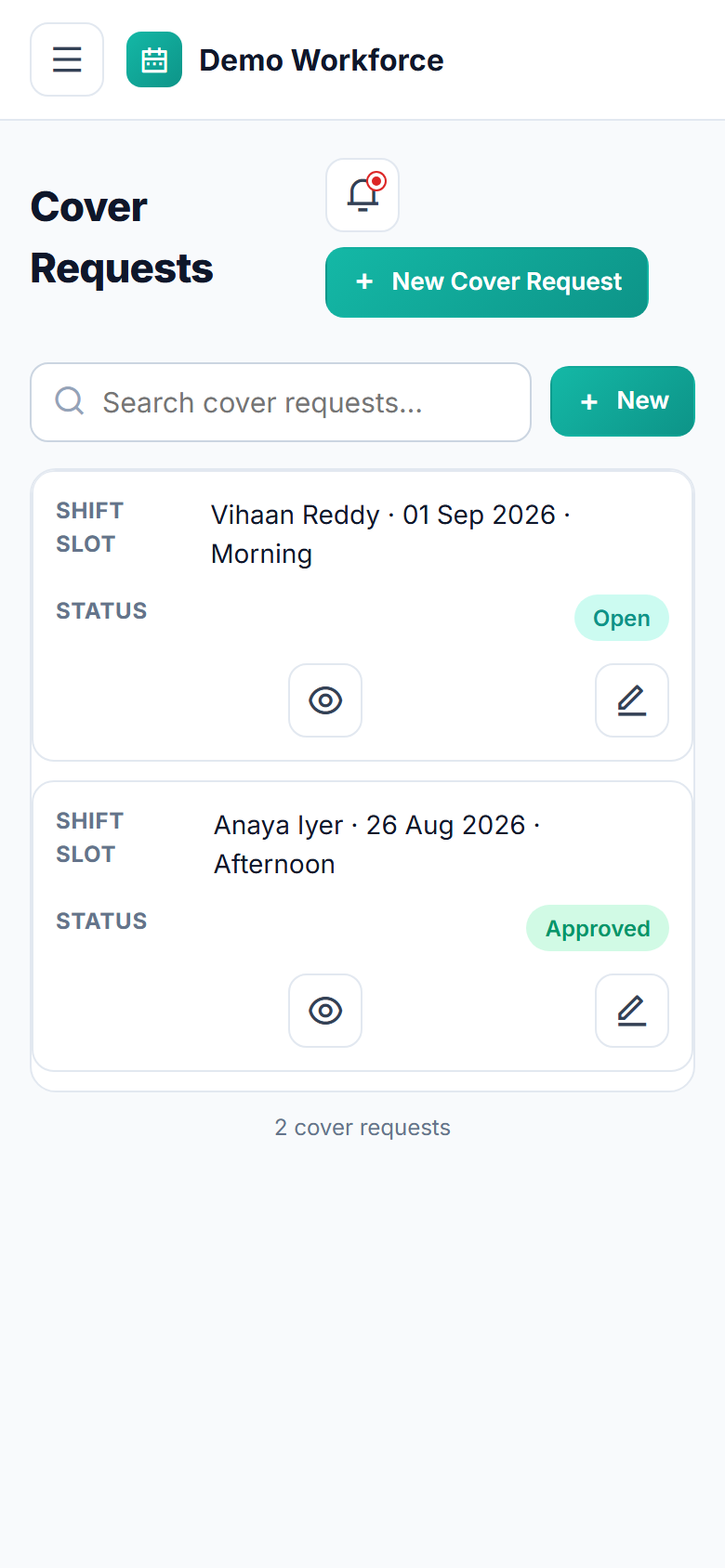
Cover requestsautomatic invitation of every eligible, available colleague, first-accept-wins, manager-approved handover
Automatic overtime detectionconfigurable daily-hours and weekly-working-days thresholds, logged on every publish
Reports: printable roster, hours per employee per week, overtime summary, absence rate — each exportable
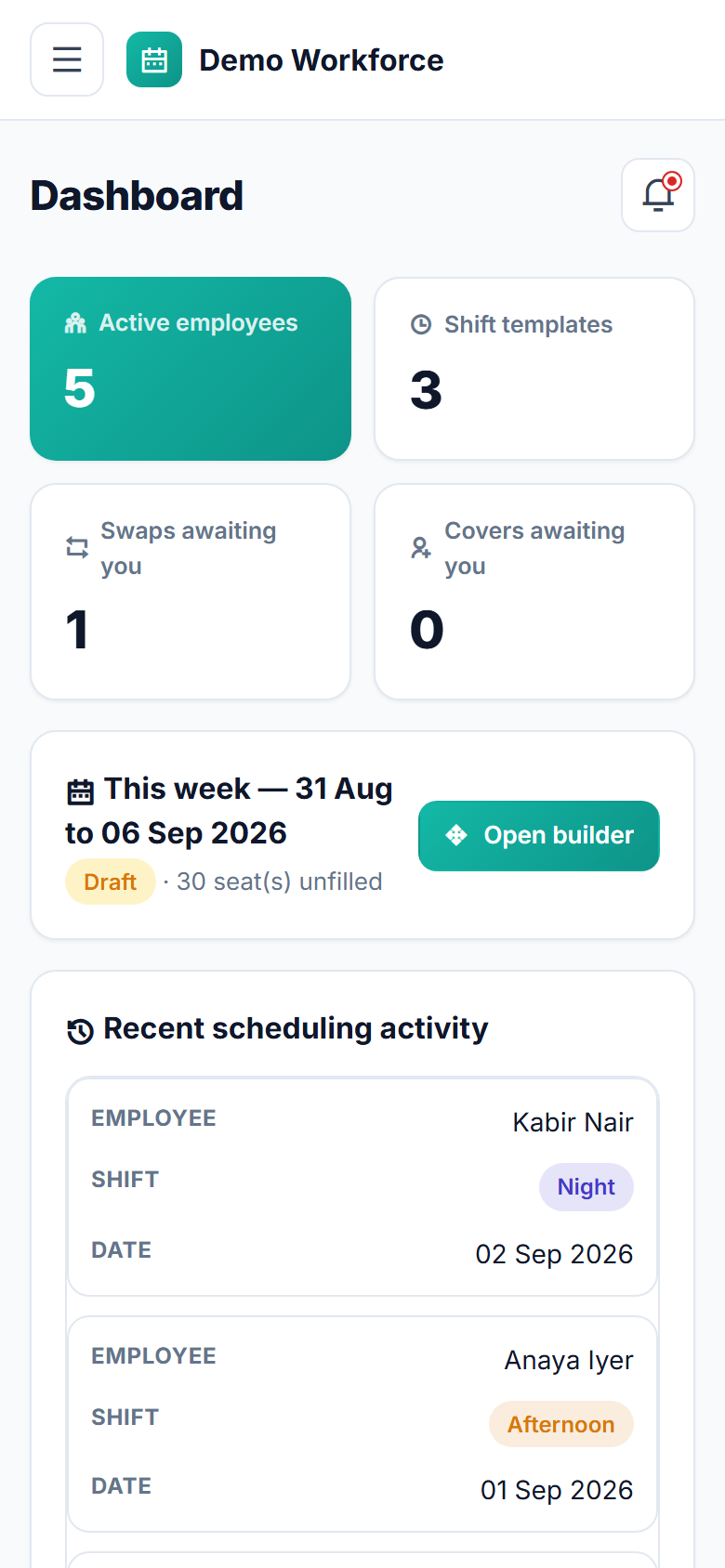
Employee self-service portalown published schedule, availability, swap/cover requests and own overtime, mobile-first with a bottom tab bar
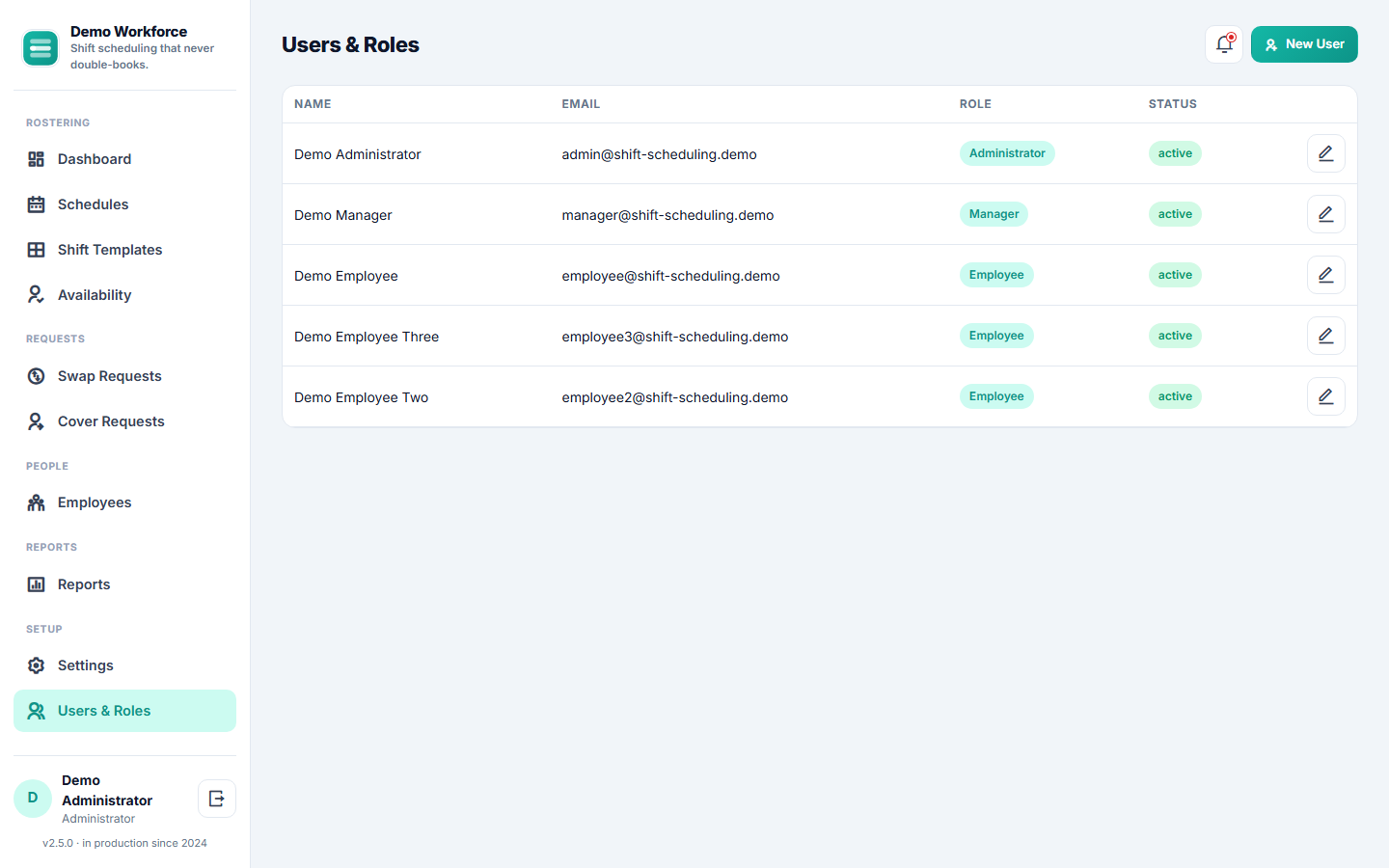
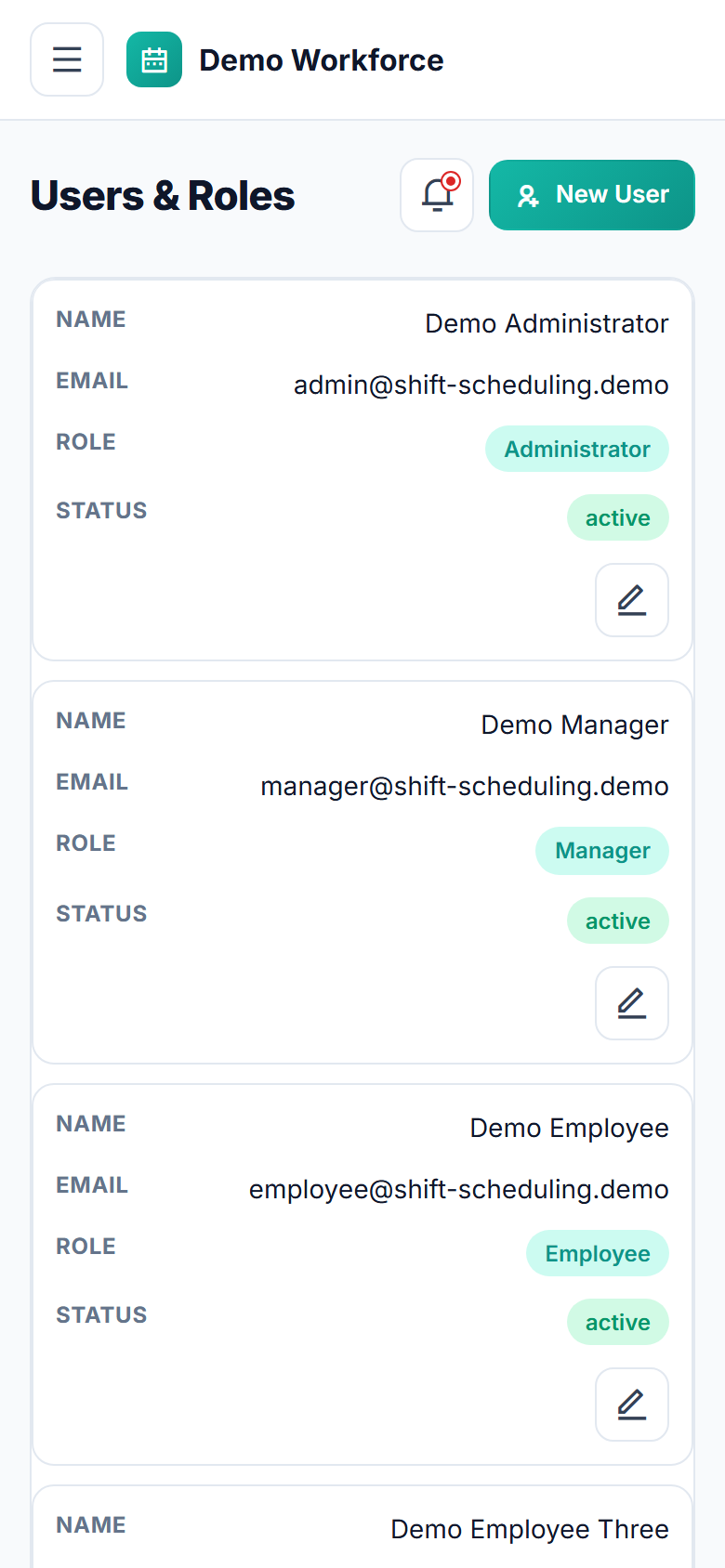
Roles: Administrator (full access), Manager (day-to-day scheduling), Employee (self-service portal only)
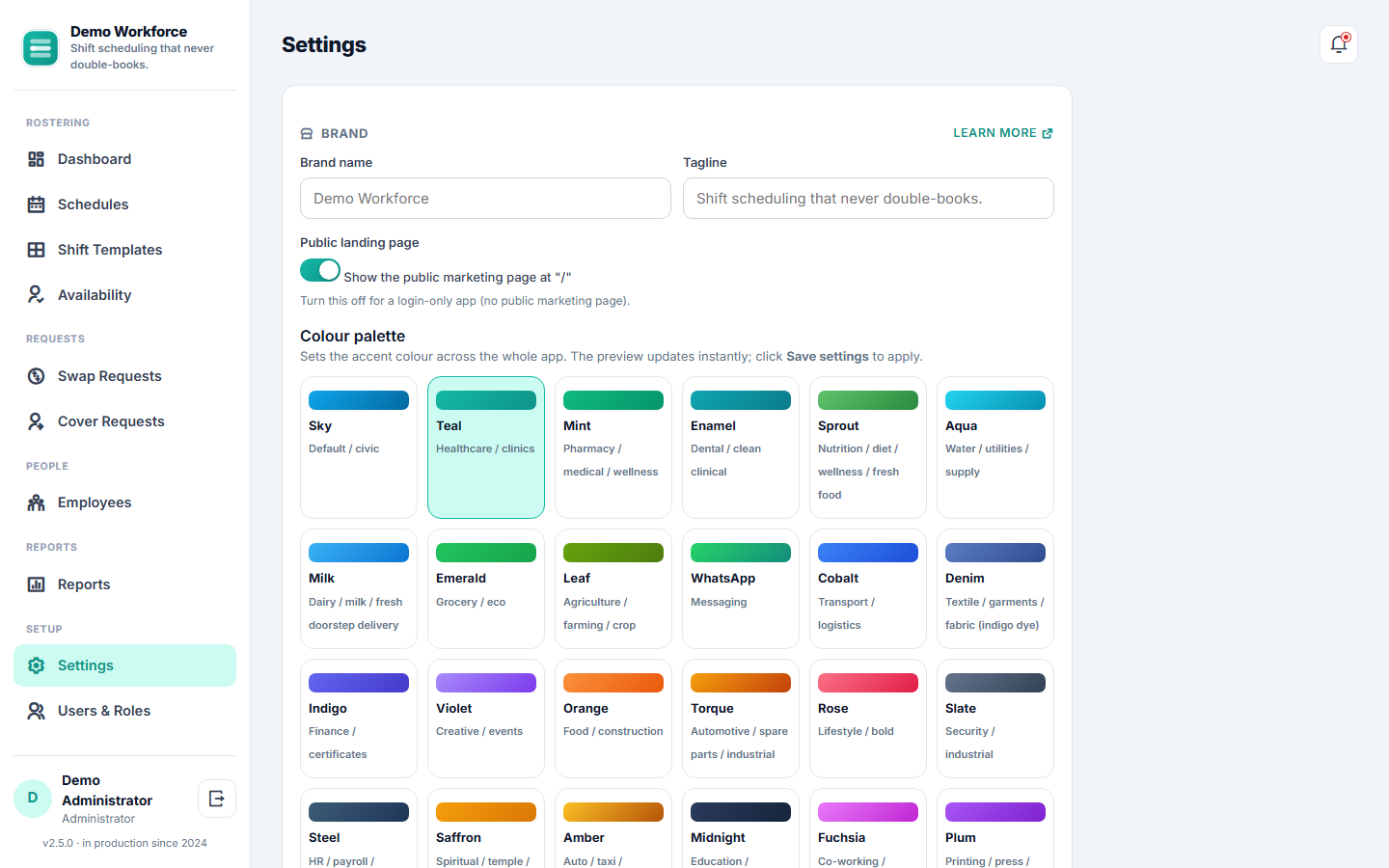
Configurationbrand name, logo, favicon, colour palette and overtime thresholds, all from Settings

About Staff Shift Scheduling Software

The app builds the weekly staff roster in one place. Define your shift templates with the headcount each one needs, then fill a days-x-staff schedule builder with a click per cell — every assignment is checked in real time so no employee is ever double-booked, and a visible warning (with an explicit override) flags anyone who's marked themselves unavailable. Publish a week in one click and it appears instantly in every employee's own portal, with an in-app notification. From there, employees can mark unavailable dates, ask a named colleague to swap a shift, or request cover when they can't make it in — the app automatically finds every eligible, available colleague to invite, and nothing changes hands until a manager gives final approval. Overtime is tracked automatically against configurable daily and weekly thresholds, and four built-in reports — a printable roster, hours per employee, an overtime summary and an absence rate — keep the whole team accountable. Fully hosted and carrying your own name, logo and colours on every screen, with nothing to install and nothing to maintain.

More from this store

Pathology Lab Management & Report Software

Lab reports, delivered securely.

₹4,999View

Hospital OPD Management Software

Run your whole OPD from one screen.

₹4,999View

Physiotherapy Clinic Management Software

Complete physiotherapy clinic management — assessments to outcomes

₹4,999View

Supermarket & Grocery Billing POS Software

Complete supermarket & grocery billing POS, online to offline.

₹4,999View