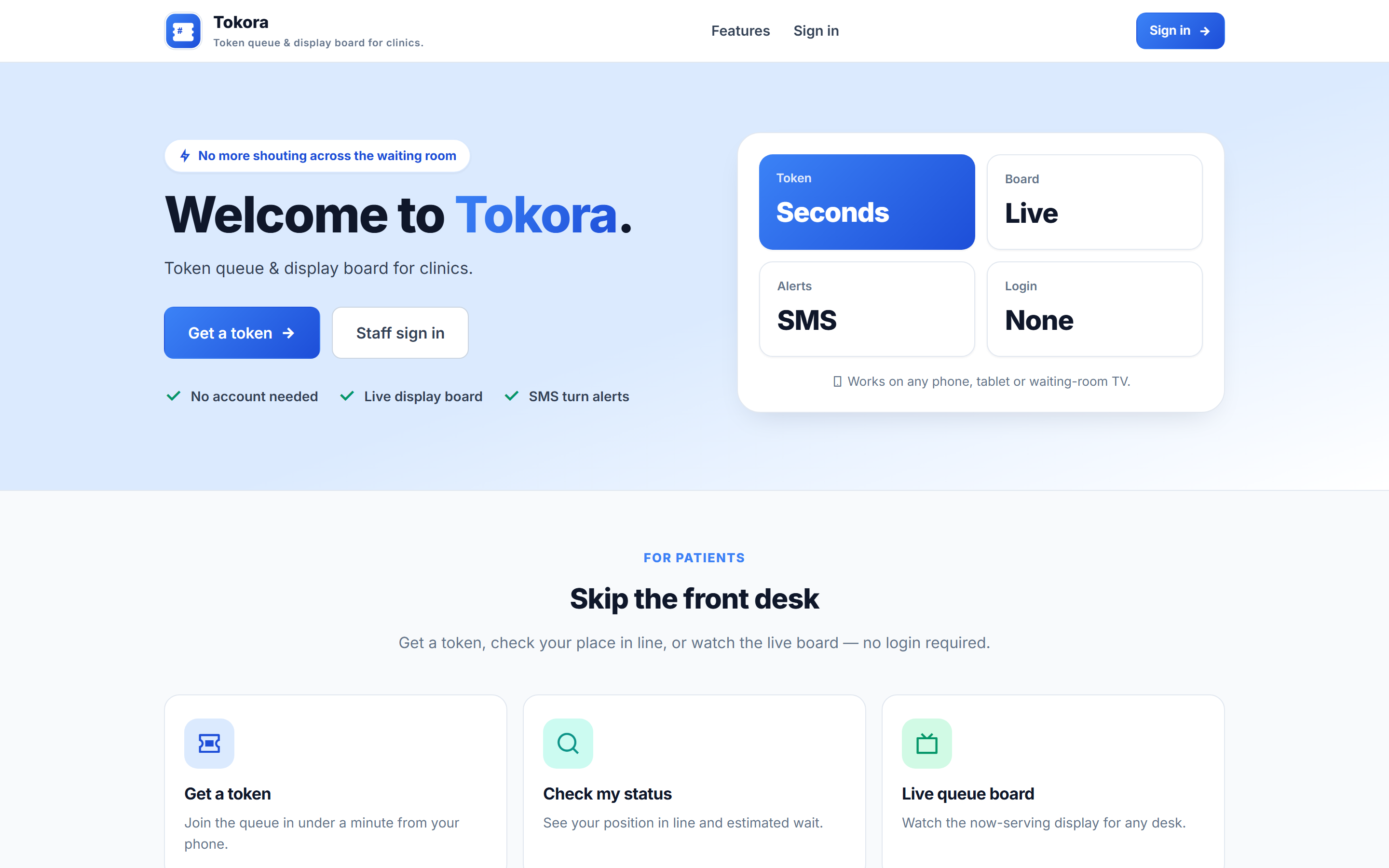
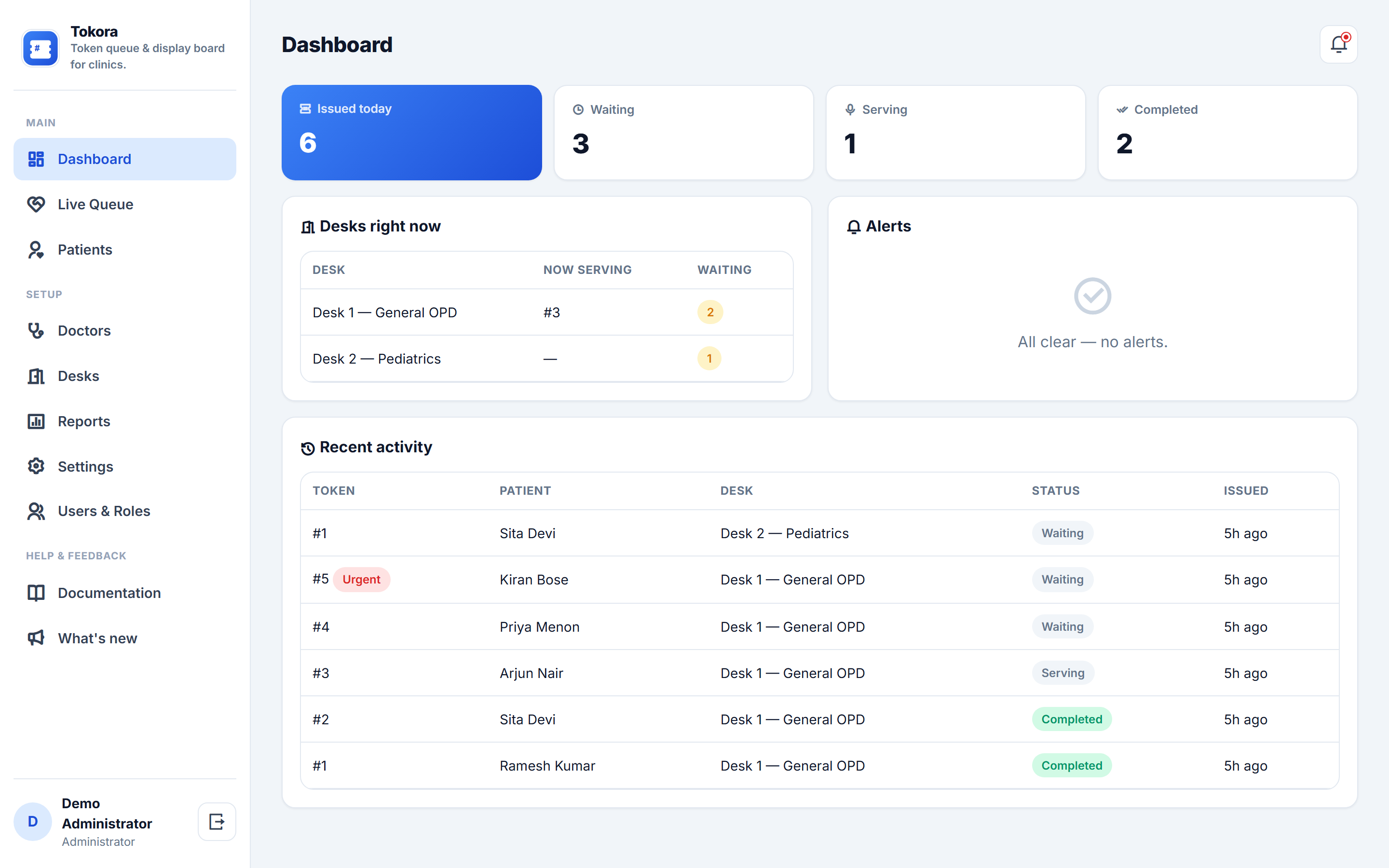
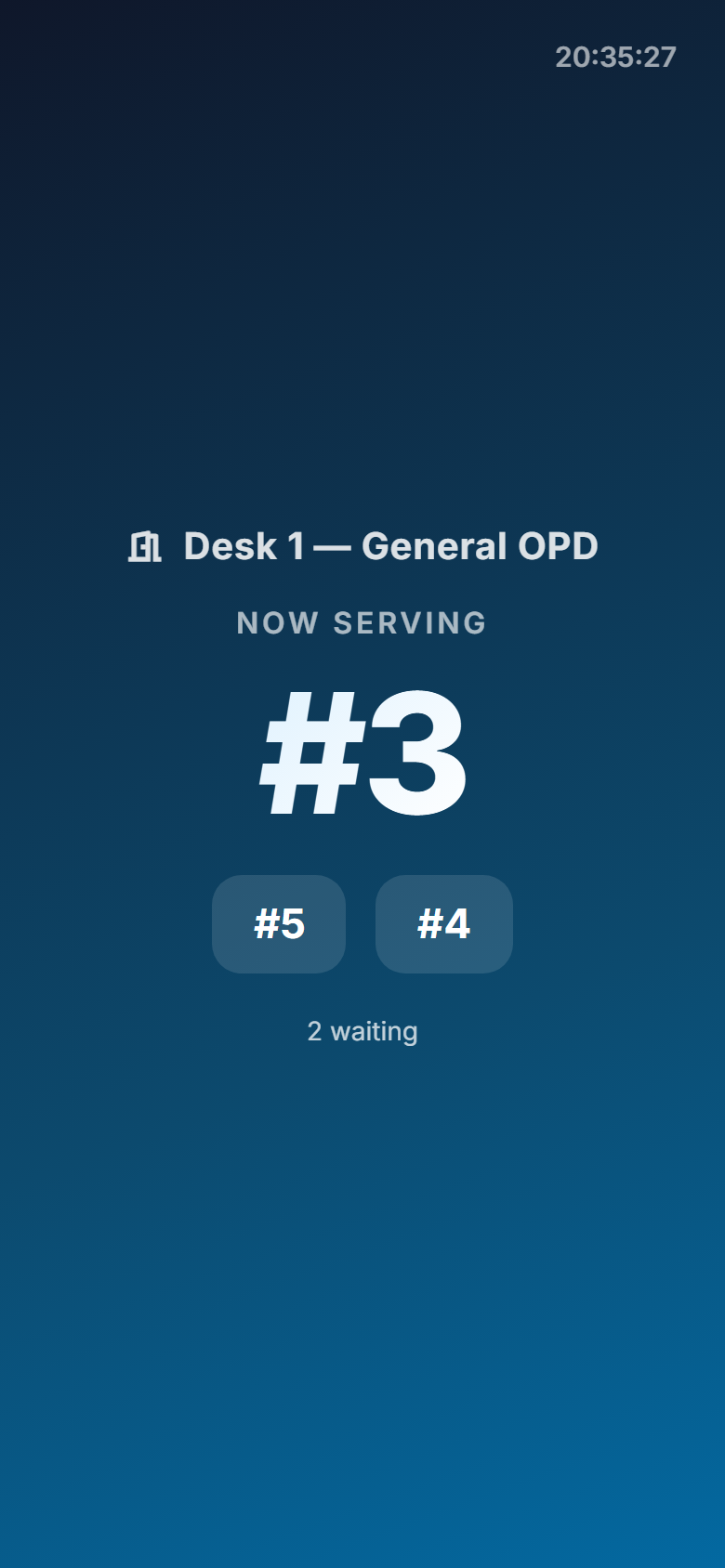
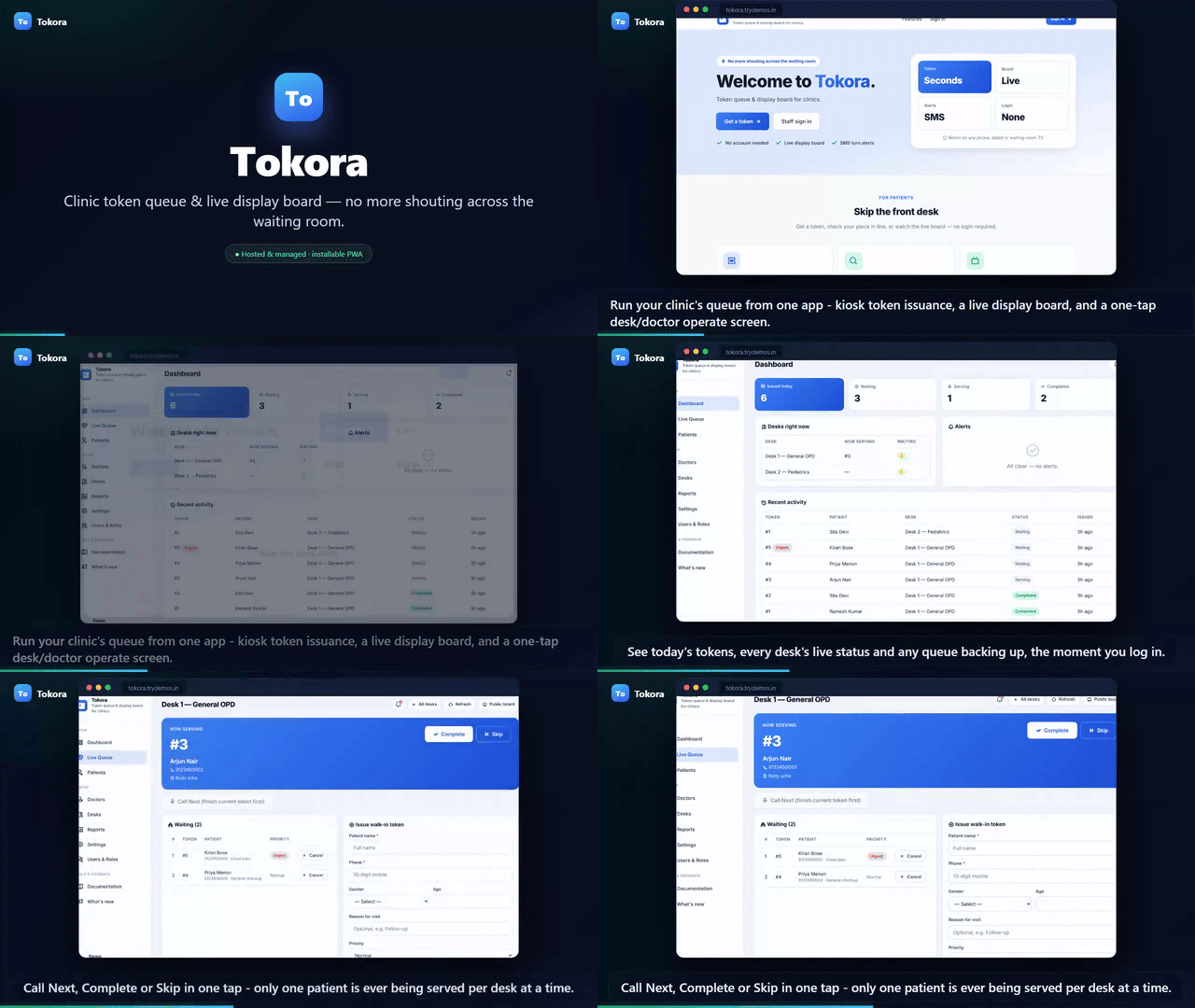
Tokora gives a clinic one simple system for its patient queue instead of a shout-and-hope waiting room. A patient gets a token in seconds — from a front-desk kiosk or their own phone via a QR code — choosing the doctor or department, and sees an honest estimated wait time computed from the actual queue ahead of them. A large, TV-friendly display board in the waiting room shows exactly who is being served right now and who is next, updating live with no page reloads. The front desk and each doctor get a one-tap operate screen — Call Next, Complete, Skip — that always shows one clear current patient and the waiting line behind them, with a manual token option for walk-ins who skip the kiosk. As a patient's turn approaches, an SMS lets them know so they are not caught away from the waiting room. Urgent cases can be flagged to move ahead of the line without a front-desk argument. Every visit is tied to the patient's phone number, so returning patients are recognised automatically and the desk can see their visit history at a glance. A patient can check their own status from their phone at any time, with no account and no app to install. Daily and weekly reports show tokens issued, completed and skipped per desk, and the average wait patients actually experienced — the numbers a clinic owner needs to fix a slow morning shift. Fully hosted and white-labelled, with your clinic's own name, logo and colours on every screen.
Why it's worth it
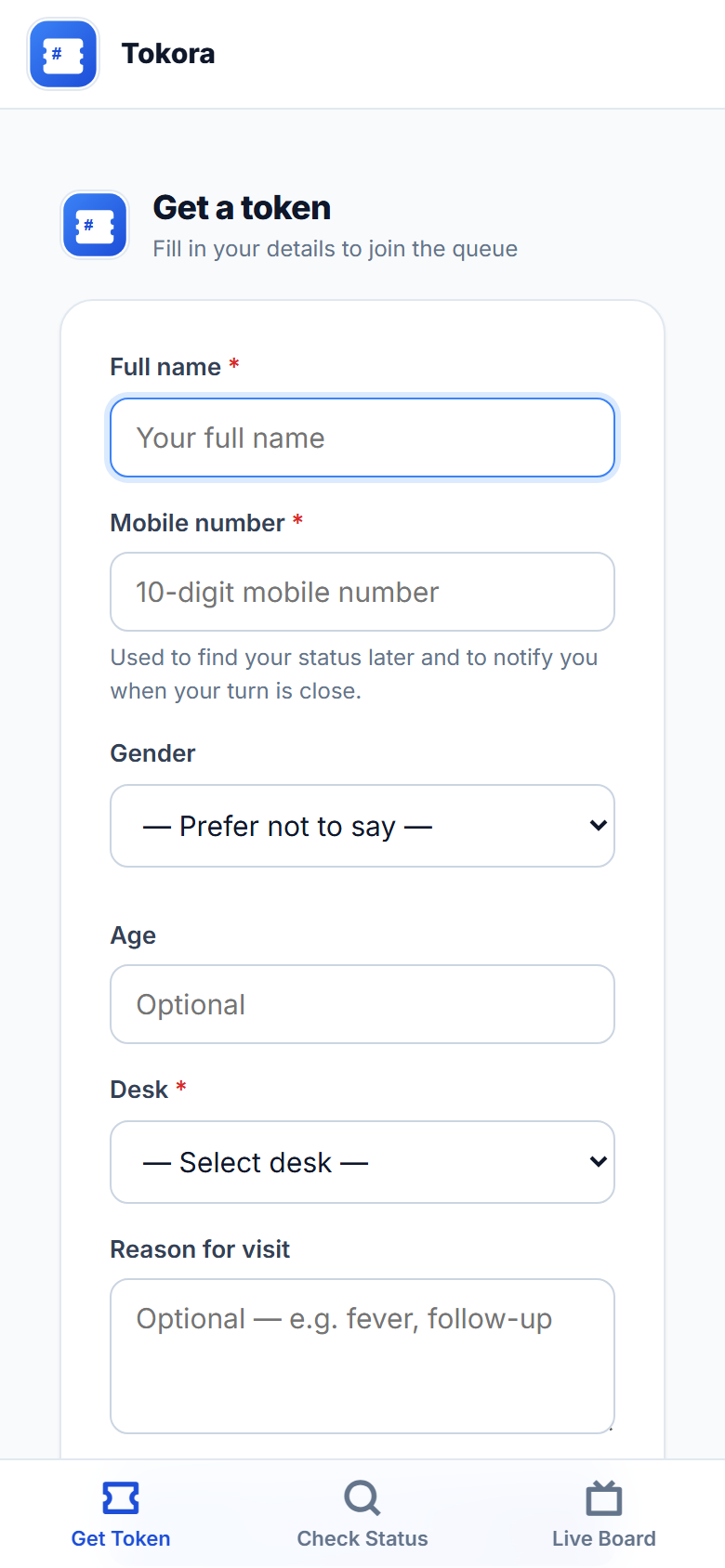
A patient gets a token in seconds from a kiosk or their own phone, with an honest estimated wait time — no more asking the desk every ten minutes
A live, TV-friendly display board shows who's being served and who's next, so the waiting room manages itself
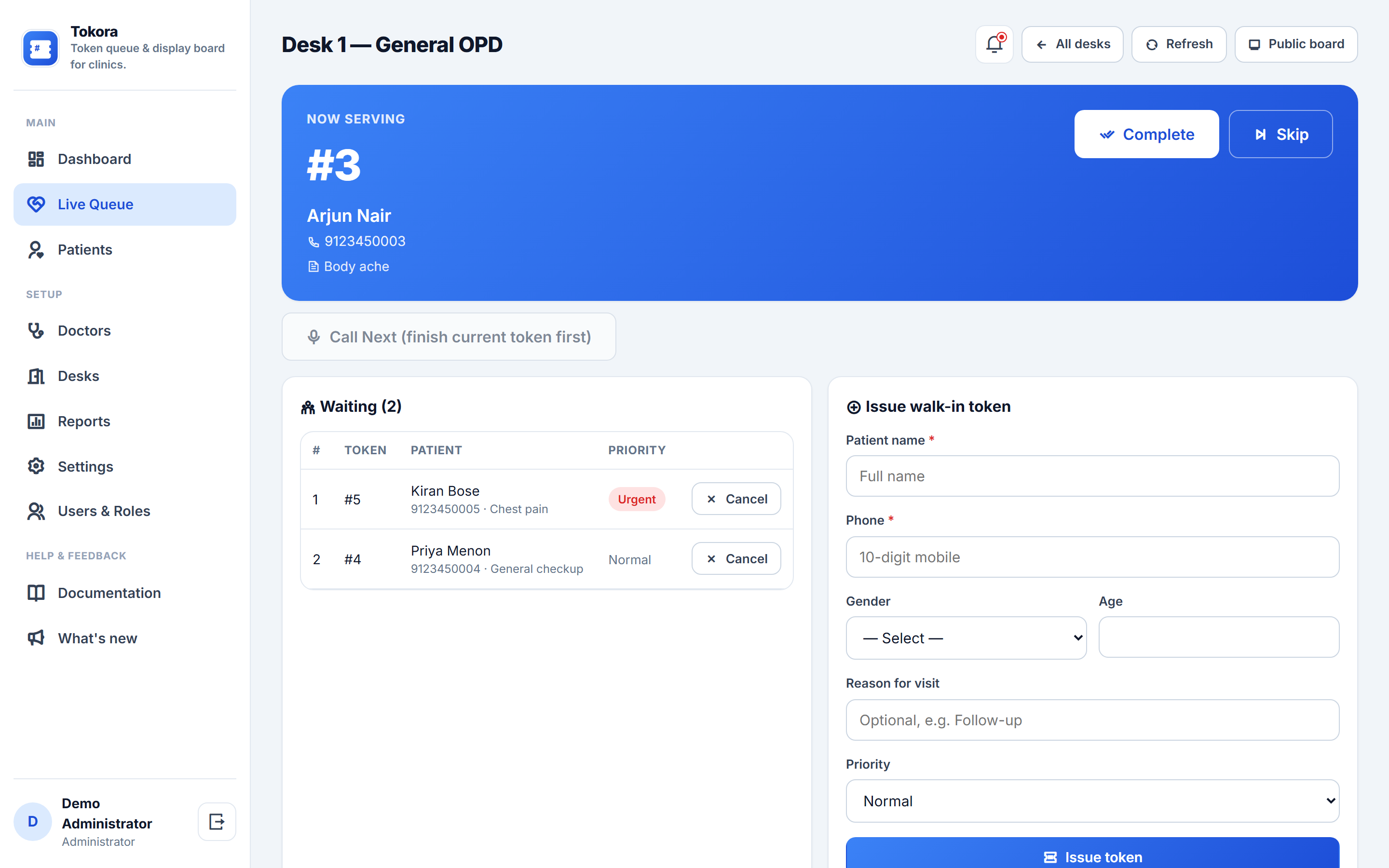
One-tap Call Next / Complete / Skip for the desk and every doctor — the queue always moves cleanly, never two people served at once
An SMS heads-up as a patient's turn nears, so nobody is caught away from the waiting room
Urgent cases jump the line with one tap — no argument at the desk
Returning patients are recognised by phone number automatically, with their visit history one click away
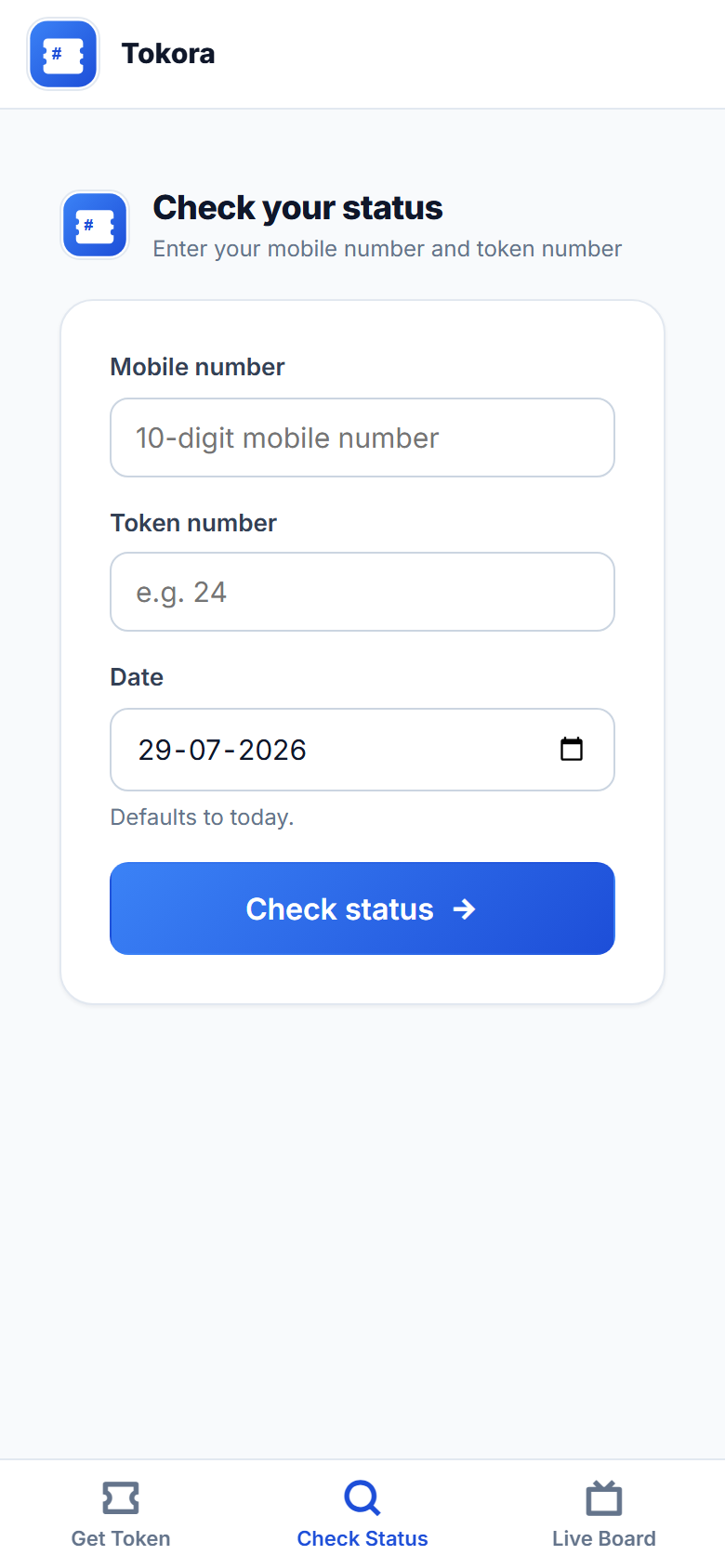
Check status from your own phone, any time — no account, no app to install
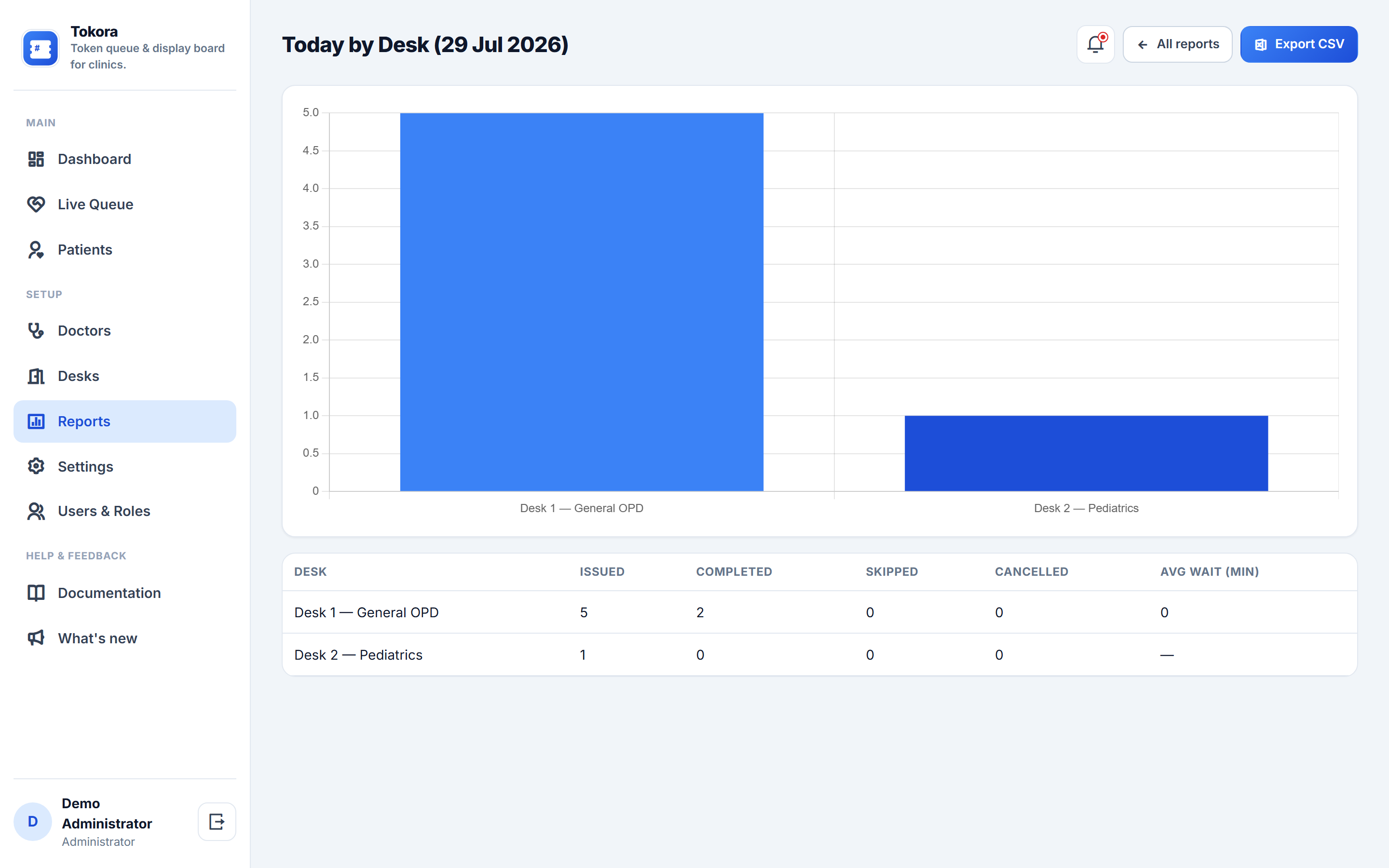
Daily and weekly reports on tokens served, skipped and actual wait time, by desk
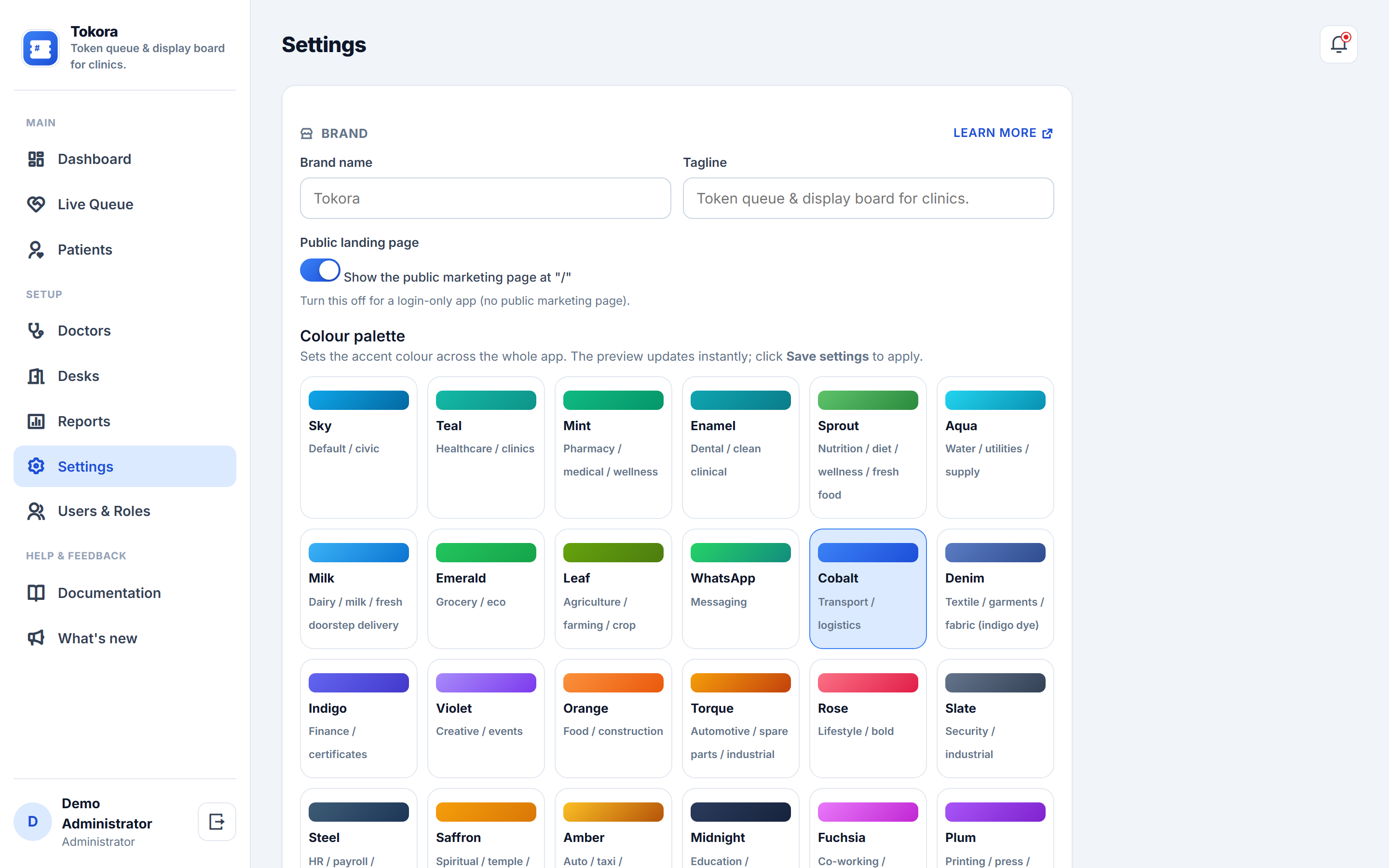
Fully hosted and white-labelled — your clinic's own name, logo and colours on every screen, nothing to install or maintain
Kiosk token issuance: a patient enters their name, phone and reason for visit, picks a desk/doctor, and gets a token number with an estimated wait — from a shared front-desk tablet or their own phone via QR
Live display board: a full-screen, high-contrast board per desk showing the token now being served and the next three in line, refreshing automatically with zero patient data shown
Queue operate screen: Call Next, Complete, Skip and Cancel, with only one token ever being served per desk at a time, enforced at the database level
Manual desk issuance: front-desk staff can register a walk-in who skipped the kiosk, including marking them urgent
SMS notifications: the patient two places away from being served gets an automatic SMS heads-up (MSG91), sent once per token
Patient status lookup: check a token's status and live position from any phone using the phone number and token number — no login
Patient records: every visit is logged against the patient's phone number, with a visit-history panel on their record
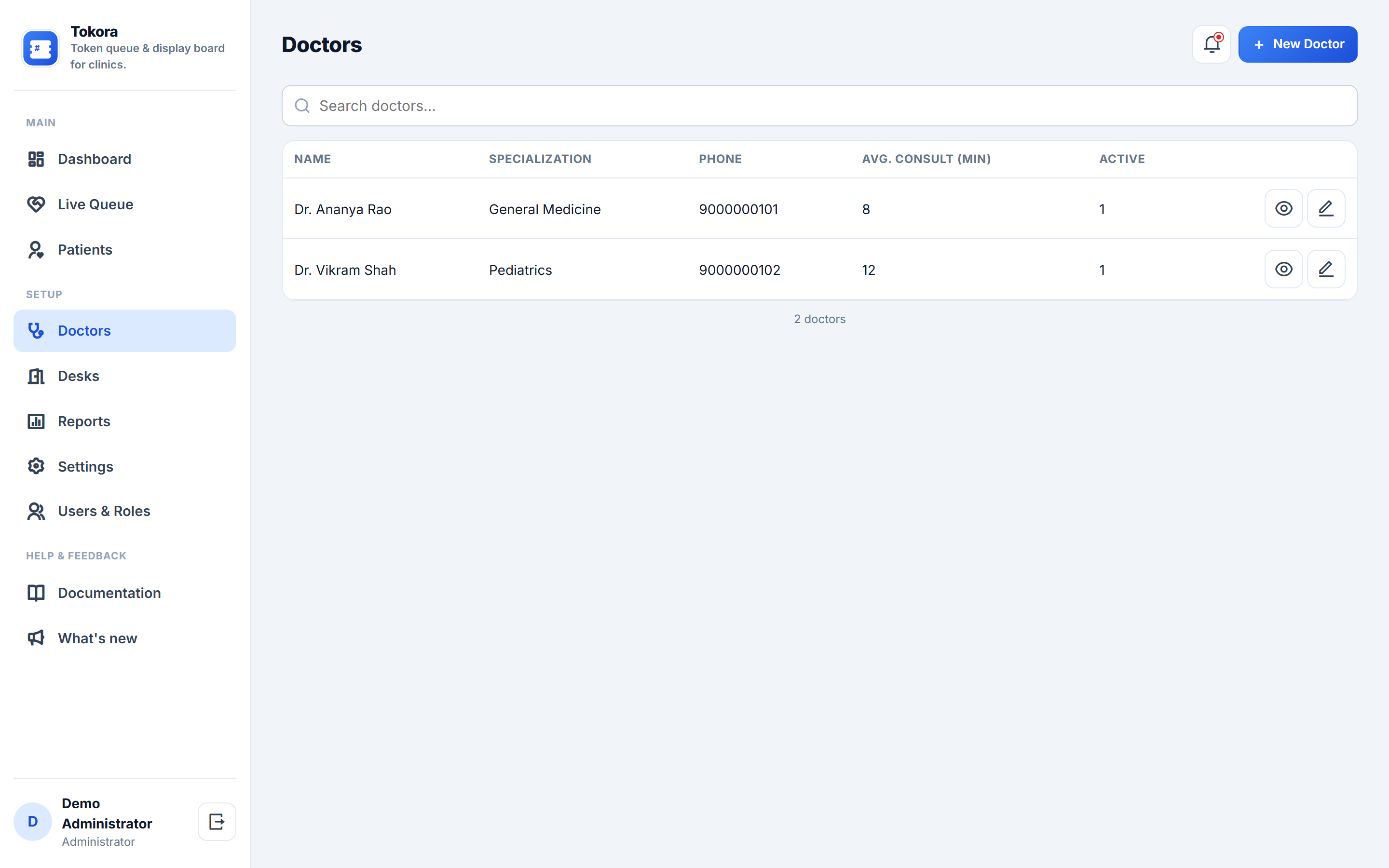
Doctors & desks: manage the doctor roster (specialisation, average consult time used for wait estimates) and the physical desks/rooms they're assigned to
Reports: daily and weekly tokens issued/completed/skipped per desk and the average wait patients actually experienced, with CSV export
Configuration: clinic name, logo, favicon and SMS provider keys, all from Settings